
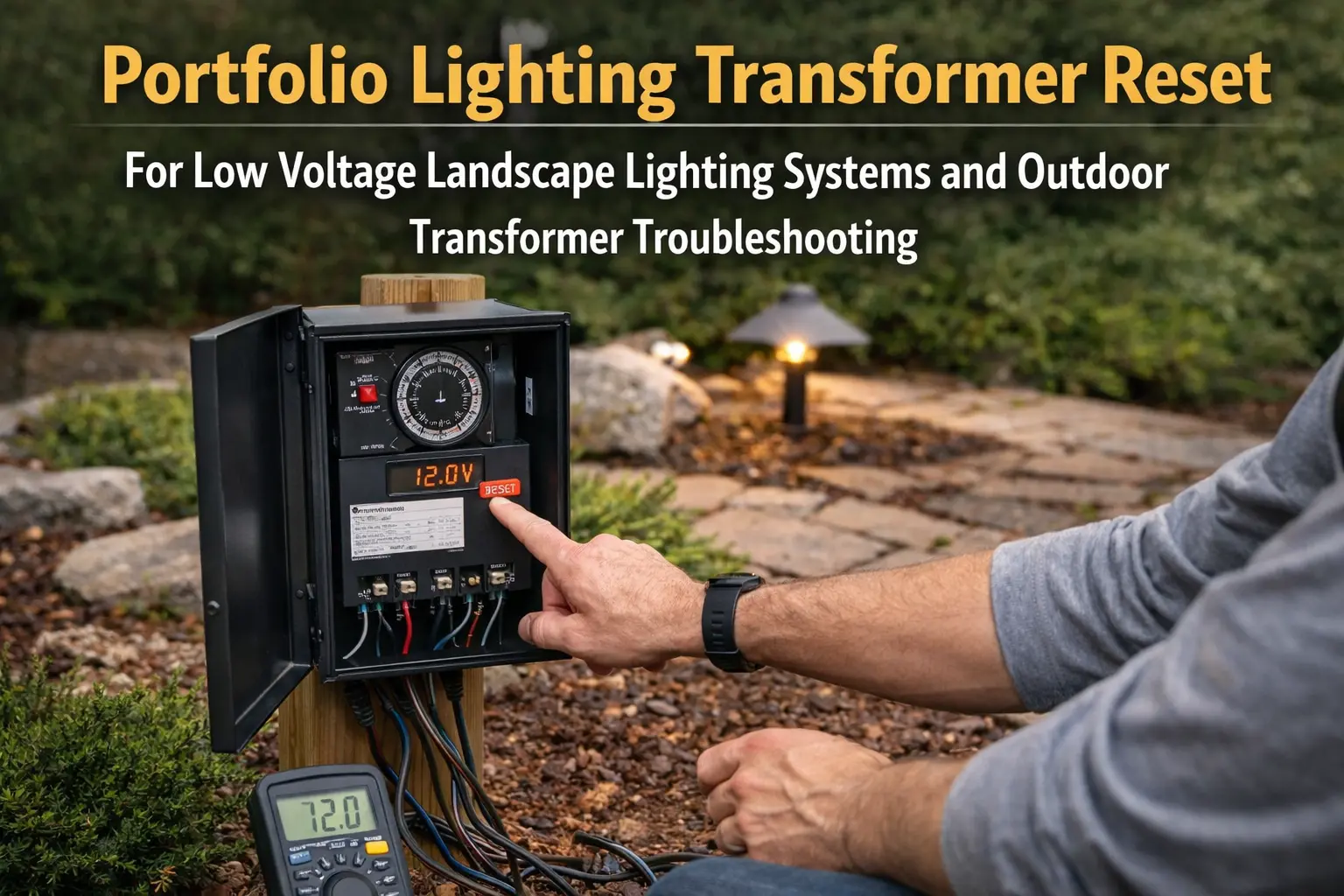
Quick Answer: Why Your Portfolio Timer Is Not Working
Most timer problems are caused by incorrect settings, power resets, or a faulty photocell—not the transformer itself.
- Lights don’t follow schedule → timer settings issue
- Lights stay on → photocell or override mode
- Lights never turn on → power or timer failure
- Works in manual → timer is failing
Start Here: What Is Your Timer Doing?
- Lights won’t turn on → check power and timer settings
- Lights stay on all night → photocell or override issue
- Timer not following schedule → reset or reprogram timer
- Timer dial not moving → timer is worn out
If your lights turn on in manual mode but fail to follow the programmed schedule, the issue is almost always related to the timer itself rather than the transformer. Timer problems may be caused by incorrect settings, power interruptions, photocell interference, or internal timer wear.
Before replacing your transformer, it is worth walking through a few simple troubleshooting checks. Many outdoor lighting timer problems can be fixed quickly once the underlying cause is identified.
Common Reasons the Portfolio Transformer Timer Stops Working
Landscape lighting timers control when your lighting system activates each evening. When these timers malfunction, your lighting schedule may stop working entirely.
Some of the most common timer issues include:
- Incorrect timer settings
- Power outages resetting the timer
- Timer dial not advancing
- Photocell sensor malfunction
- Loose wire connections
- Overloaded transformer shutting down
- Worn or aging timer components
Many outdoor lighting systems also use GFCI outlets and circuit protection devices. These safety features can interrupt the timer schedule if they trip or lose power temporarily.
If timer problems persist or affect overall system behavior, review the Portfolio lighting transformer master guide to diagnose control issues and determine whether the transformer itself needs repair or replacement.
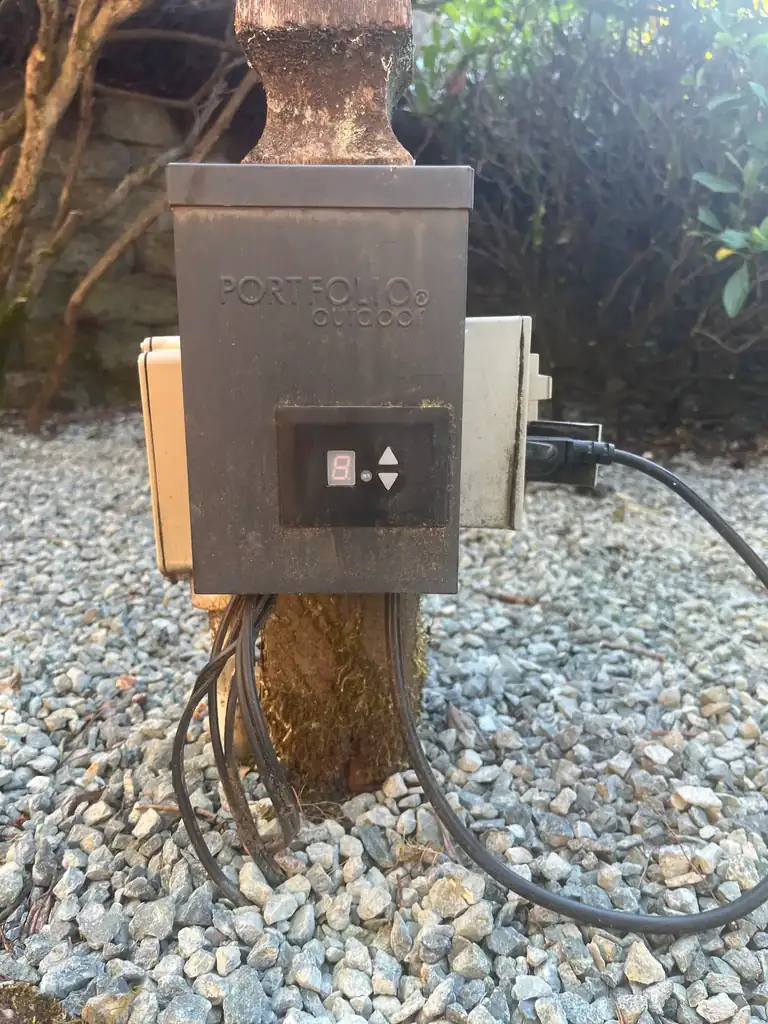
Step 1: Check the Timer Settings
The most common cause of timer problems is simply incorrect settings. This often happens after a power outage, daylight savings time change, or accidental adjustment of the timer dial.
A faulty timer or photocell can cause lights to behave unpredictably, including turning on and then shutting off when they should remain on. If your system starts normally but does not stay on as expected, compare your setup with landscape lights turn on then off troubleshooting to determine whether the issue is control-related or caused by overload or wiring.
Things to check:
- Confirm the timer dial is set to the correct time of day
- Make sure the timer mode is set to automatic
- Check that the on/off pins are positioned correctly
- Verify the timer is not in manual override mode
If your lights work normally in manual mode but fail to follow the schedule, the timer settings are the first place to focus your troubleshooting.
If your transformer timer is no longer working properly, replacing it with smart control is often the easiest fix. See smart landscape lighting bridge options to upgrade your system without replacing the transformer.
Step 2: Check for Power Interruptions
Landscape lighting timers rely on continuous power to maintain their schedule. If the outlet loses power, the timer may reset and stop operating correctly.
Start with these checks:
- Test the outlet with another device
- Check your circuit breaker panel
- Reset any GFCI outlets near the transformer
- Confirm the transformer plug is secure
Outdoor outlets frequently trip due to moisture or temporary power fluctuations. Resetting the outlet often restores normal timer operation.
Step 3: Inspect the Photocell Sensor
Many Portfolio lighting transformers use a photocell to detect daylight levels. This sensor allows the lighting system to automatically turn on at dusk and turn off at dawn.
When transformer timer issues cause lights to remain on all night, the problem may become more than a convenience issue. Our Outdoor Lighting Ordinance Guide explains how curfew clauses, dimming rules, and smarter controls can help you stay compliant.
If the photocell becomes dirty, shaded, or damaged, it may prevent the timer from working correctly.
Check for:
- Dirt covering the sensor
- Obstructions blocking sunlight
- Nearby lights shining directly on the sensor
- Sensor wires that may have become loose
Step 4: Check for Wiring or Load Problems
Timer failures can sometimes be triggered by other electrical problems in the landscape lighting system.
For example, if too many lights are connected to the transformer, the system may shut down to protect itself. Overloaded transformers frequently trip internal breakers or reset automatically.
Inspect these components:
- Low voltage wire connections
- Corroded connectors
- Damaged landscape lighting cables
- Excessive wattage load on the transformer
If your transformer repeatedly shuts off or resets, you may want to review the related troubleshooting guide here: Portfolio lighting transformer not working.
Sometimes a timer problem is actually caused by a bad photocell or light sensor override issue. If your lights are not responding correctly at dusk or dawn, read our Portfolio lighting photocell not working guide to test the sensor and rule out photocell failure.
When a transformer timer seems faulty, the issue is not always a broken control. Sometimes the schedule, mode, or clock is simply set incorrectly. That is why it helps to compare this page with landscape lighting timer settings so you can rule out programming mistakes before replacing timer components.
When to Replace the Transformer Timer
If the timer settings are correct and the electrical system checks out, the timer mechanism itself may be worn out.
If your unit uses a digital timer with Auto and hour settings, review this Portfolio 0805279 timer troubleshooting manual for exact mode explanations and setup steps.
Common signs of a failing timer include:
- The timer dial no longer moves
- Lights stay on continuously
- Lights never turn on automatically
- The schedule stops working after resets
In these situations the transformer may still be functional, but the timer portion of the unit has failed.
You may also want to review Portfolio lighting transformer reset or Portfolio lighting transformer troubleshooting before replacing the transformer.
Portfolio Lighting Timer FAQ
Why are my landscape lights not following the timer schedule?
Incorrect timer settings, power interruptions, photocell problems, or a worn timer mechanism are the most common causes.
Can a power outage reset my lighting timer?
Yes. Many mechanical timers lose their programmed time after a power interruption and must be reset manually.
How long do landscape lighting timers last?
Most timers last between 5 and 10 years depending on outdoor conditions and electrical load.
Should I replace the transformer if the timer fails?
In many cases replacing the transformer is easier than replacing the internal timer components.
Portfolio Lighting Master Model & Replacement Handbook
Stop wasting time hunting for discontinued Portfolio parts. This premium PDF helps you identify legacy Portfolio Lighting models, understand common failures, and find compatible replacement options from brands like Malibu, VOLT, Hampton Bay, and Kichler.
Inside the PDF:
- 100+ model breakdown pages
- Transformer, path light, spotlight, and wall lantern specs
- Common failure patterns for discontinued models
- Compatible replacement brands and parts strategy
- What to check before buying the wrong part
If one wrong part costs you $20–$80, this $9.99 handbook can pay for itself before you make your first replacement purchase.
Portfolio transformer timer troubleshooting, timer schedule failure, photocell issues, manual override problems, and practical help for fixing landscape lighting controls without replacing good fixtures unnecessarily.