
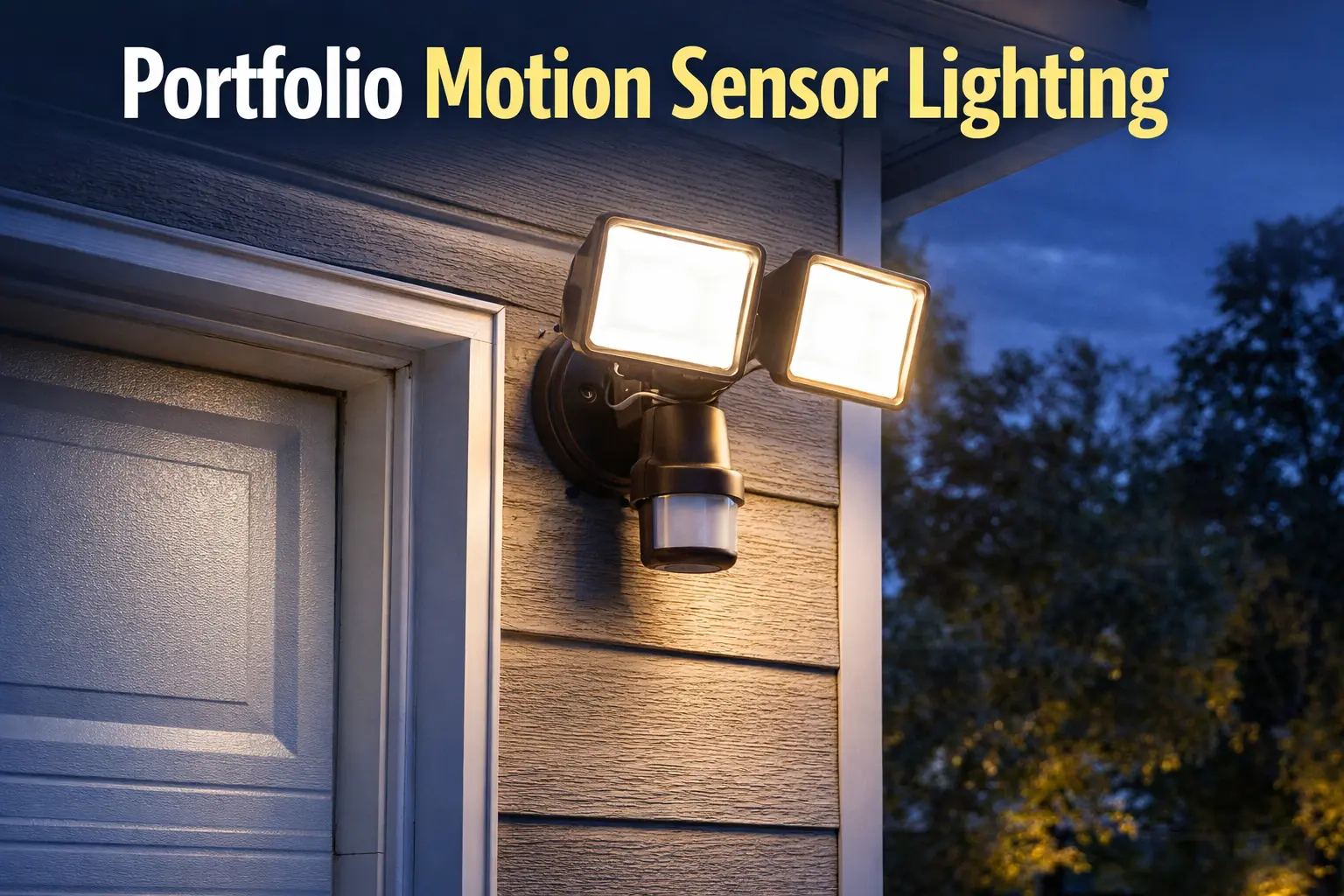
Quick Answer: Why Motion Sensor Lights Stop Working
Most motion sensor light problems come from sensor settings, placement, or wiring—not the fixture itself.
- ✔ Stays on → sensitivity too high or sensor pointed wrong
- ✔ Won’t turn on → bulb, wiring, or sensor failure
- ✔ Random triggers → animals, wind, or sensor sensitivity
- ✔ Inconsistent behavior → loose wiring or mounting issue
Start Here: What Is Your Motion Light Doing?
- ✔ Staying on → adjust sensitivity or angle
- ✔ Not turning on → check bulb and power
- ✔ Turning on randomly → reduce sensitivity
- ✔ Working inconsistently → check wiring and mounting
Motion sensor lights are designed to activate automatically when movement occurs within the sensor’s detection range. These fixtures are commonly installed near entryways, garages, backyards, and side yards where additional nighttime visibility is helpful.
Most Portfolio motion sensor fixtures use passive infrared (PIR) sensors. These sensors detect heat changes in the surrounding area. When a person, animal, or vehicle moves through the detection zone, the sensor triggers the light to turn on.
Motion sensor lighting works particularly well when combined with other outdoor lighting systems such as Portfolio landscape lighting or low-voltage path lights that guide visitors along walkways.
Benefits of Motion Sensor Lighting
Motion sensor lighting provides several advantages compared to traditional outdoor lights that remain on continuously throughout the night.
Improved Home Security
One of the most common reasons homeowners install motion sensor lighting is security. Sudden illumination when movement occurs can deter unwanted activity and make it easier to see who is approaching the property.
Energy Efficiency
Because motion lights only activate when movement is detected, they consume far less electricity than fixtures that remain on all night. This makes them an efficient solution for lighting larger outdoor areas without significantly increasing energy costs.
Convenience
Motion lights eliminate the need to manually switch on exterior lights. They automatically activate when someone walks toward the home, making them ideal for entryways and garage areas.
Motion Lights Need Different Diagnostics Than Path Lights
A motion light can appear broken when the real issue is sensor aim, Lux setting, time duration, manual override mode, or mounting height. That is very different from a path light with a bad socket or a solar light with a weak rechargeable battery. For model-specific examples, compare the Portfolio DualBrite PF-4300-BK motion light manual, the Portfolio Lighting Model 7133C replacement parts guide, and the Portfolio Lighting Model SLL12BK solar light parts guide.
Where to Install Motion Sensor Lights
Proper placement is critical for motion sensor lights to function correctly. Installing the fixture too high, too low, or in the wrong direction can prevent the sensor from detecting movement effectively.
Garage Areas
Garages are one of the most common locations for motion sensor lighting. A sensor placed above or beside the garage door can illuminate the driveway when a vehicle or person approaches.
Front Entryways
Installing a motion sensor light near the front door ensures that visitors can clearly see the entrance. This also helps homeowners identify anyone approaching the home at night.
Side Yards and Backyards
Dark areas around the sides and back of the house are ideal locations for motion lighting. These areas often lack regular lighting but benefit greatly from motion-activated illumination.
If you are deciding where security fixtures should go around the house, our Portfolio lighting planning and placement guide can help you think through entry points, driveway coverage, and blind spots before mounting the fixture.
Installing Portfolio Motion Sensor Lighting
Most motion sensor fixtures are installed in the same way as standard outdoor lights. However, the sensor must be positioned correctly to ensure accurate detection.
Mounting Height
Motion sensors generally work best when mounted between 6 and 10 feet above the ground. This height allows the sensor to detect movement across a wide area without triggering unnecessarily.
Detection Zone
Sensors detect movement across their field of view rather than directly toward them. For best performance, aim the sensor so people or vehicles cross the detection zone instead of walking directly toward it.
Adjusting Sensitivity
Many motion lights allow you to adjust detection sensitivity and the amount of time the light remains on. Adjusting these settings can reduce false triggers caused by animals, wind-blown plants, or passing vehicles.
If your outdoor lighting system includes other fixtures connected through a transformer, you may also find it helpful to review the transformer troubleshooting guide to ensure the electrical supply is working properly.
Common Motion Sensor Lighting Problems
Like any outdoor lighting fixture, motion sensor lights can occasionally experience problems. Fortunately, most issues are relatively easy to diagnose.
Light Stays On Continuously
This often occurs when the sensor sensitivity is set too high or when the sensor is detecting constant movement. Adjusting the sensor angle or sensitivity usually resolves the issue.
Light Does Not Turn On
If the motion sensor light does not activate, first check the bulb or LED module. Burned-out bulbs remain one of the most common causes of lighting failure. Our Portfolio bulb replacement guide explains how to identify compatible bulbs.
Light Turns On Randomly
Sensors may occasionally trigger due to animals, moving branches, or reflections. Adjusting the sensor direction or reducing sensitivity can prevent these triggers.
For additional diagnostic help, visit the Portfolio lighting troubleshooting guide which covers common outdoor lighting issues.
Replacing Older Motion Sensor Fixtures
If a motion sensor fixture stops working entirely, replacing the entire unit is often easier than attempting internal repairs. Newer LED motion lights are significantly more efficient than older halogen versions and typically last much longer.
When replacing an older fixture, choose a model that matches the mounting location and wiring configuration of the existing light. Many homeowners upgrade to LED fixtures that provide brighter illumination while using less energy.
If the fixture you are replacing is no longer manufactured, our discontinued Portfolio lighting guide explains how to find compatible replacements.
Portfolio Motion Sensor Lighting FAQ
How far can motion sensors detect movement?
Most residential motion sensors detect movement between 30 and 70 feet depending on the sensor design and installation height.
Why does my motion light turn on when nothing is there?
Wind-blown branches, animals, or passing vehicles can trigger motion sensors. Adjusting sensitivity or sensor direction usually resolves this problem.
Do motion sensor lights use a lot of electricity?
No. Because they activate only when movement is detected, motion lights typically consume less energy than lights that stay on continuously.
Can motion lights work with landscape lighting systems?
Yes. Motion lights often work alongside low-voltage landscape lighting systems to provide both security lighting and ambient outdoor illumination.