
Quick Answer: My 7-Step Master Portfolio Manual & Document Index
Tracking down an obsolete Portfolio factory manual requires targeting specific retail production sequences rather than running a loose internet search. Because original corporate digital repositories have been completely pulled down, matching the physical layout markings on your specific power pack or fixture housing is the only way to lock down original manufacturer wiring diagrams and programming codes today.
Whenever I take on an older setup or help someone rewire an unmapped system, I use these seven practical steps to dig up the correct technical literature and verify the system settings:
- 1. Isolate the Core Family Model: I check the silver foil tag inside the unit's door hook or canopy shell to pull the exact 6-digit tracking string before looking for a paper manual.
- 2. Trace Faded Programming Layouts: If the original plastic door printing has peeled away, matching the physical button alignment with my master tables below reveals the factory clock steps.
- 3. Verify Multi-Tap Wiring Limits: I look for the secondary voltage output tap maps in the documentation to check exactly how the internal copper coils handle line drops.
- 4. Match Digital Loop Codes: Older digital timers throw obscure software errors; finding the original technical sheets is the only way to figure out what those flashes mean.
- 5. Check Photo Cell Sensor Paths: I review the automation placement boundaries in the manuals to separate true ambient twilight readings from confusing yard light feedback.
- 6. Confirm Internal Fuse Positions: Late-generation boards hide small cartridge glass fuses under interior shields; the schematics show exactly where to look before pulling wires.
- 7. Cross-Reference Generation Blueprints: When a manual is entirely lost, I trace the original manufacturing generation block to discover cross-compatible setup instructions from matching sister lines.
⚠️ CRITICAL MOUNTING RISK: Attempting to program a digital timer wheel or bridge secondary terminal block terminals by guessing will easily brick the solid-state motherboard. Running an incorrect voltage configuration triggers three specific system breakdowns detailed in my master diagnostic directories below.
If you haven't managed to track down your exact equipment identity yet, don't guess. Hop over to my Portfolio Lighting model number lookup directory first so we can pinpoint your hardware baseline before opening up the paperwork.
Trying to restore a classic power box run? If your transformer housing shows the 6-digit stamp **121408**, use my dedicated Portfolio 121408 manual and troubleshooting guide to check your terminal layout, spot known failure paths, and skip the missing paperwork hassle entirely.
For those trying to sort out an automated digital loop or clear an active fault on a classic heavy-duty **SL-200-12** power unit, check out my comprehensive Portfolio SL-200-12 manual and troubleshooting resource to figure out if your circuit just needs a reset, an internal fuse swap, or a full hardware bypass.
If you want more than just a standard PDF setup sheet, my Portfolio Lighting Master Model Technical Database contains full multi-tap load charts, cross-brand model tracking, real repair success metrics, and long-term diagnostic maps built from years of field testing.
Find Your Manual Fast
- Have your model number? → Use the table below
- Need to identify your fixture? → Model lookup page
- Need parts after? → Replacement parts
For deeper technical details beyond standard manuals, including wiring layouts and part-level specifications, see the Portfolio lighting technical manuals and wiring diagrams.
If you don’t know your exact model number, start with the Portfolio Lighting model library and repair index to identify your system before opening a manual.
Installation manuals explain wiring and programming but rarely include detailed efficiency or standby-loss information. After downloading the correct documentation, compare real-world operating characteristics using our Landscape Transformer Efficiency & Load Loss Benchmarks, which consolidates measured performance data across multiple transformer capacities.
Start Here: What This Page Does (And What It Doesn’t)
This page is for you if you already know your model number and just need the manual.
- ✔ Open your manual instantly
- ✔ Find installation instructions fast
- ✔ Confirm wiring and setup details
If you are still identifying your fixture, start here instead:
If a manual is missing or unclear, use the Portfolio lighting model specs guide to compare known model details and replacement paths.
Portfolio lighting manuals are helpful because they often include installation steps, wiring diagrams, safety notes, troubleshooting guidance, and replacement-part references that are hard to find once the original packaging is gone.
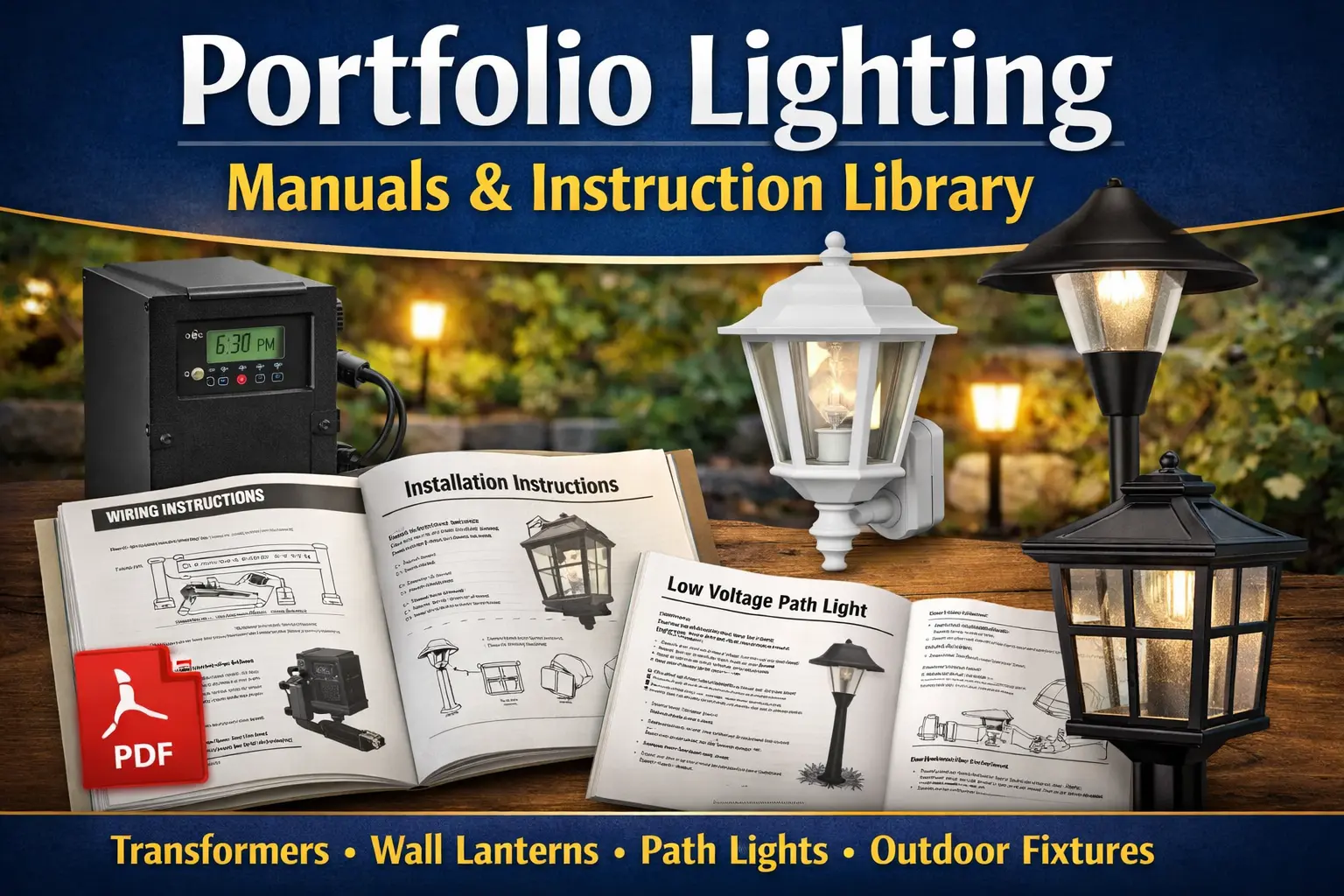
This page collects installation guides and manuals for many Portfolio lighting products, including transformers, wall lanterns, and landscape lighting systems. If you are not sure which model you have yet, start with the Portfolio Lighting model number lookup page. That guide helps you identify your fixture or transformer model number so you can quickly find the correct manual, troubleshooting steps, or replacement parts for your specific lighting system.
If your manual lists model 0312384 or you are trying to match a fixture from an older system, see our Portfolio 0312384 replacement parts guide to find compatible fixtures, connectors, stakes, and bulbs.
If you need more than just the manual, use the Portfolio lighting transformer master guide to diagnose common issues, compare models, and plan a proper replacement.
If you found a remote label, FCC ID, or partial control number but still need help pairing or replacing it, use the Portfolio ceiling fan remote replacement guide for practical troubleshooting beyond the manual.
Best Workflow for Portfolio Lighting Help
- Identify your fixture → Model lookup
- Open your manual → (this page)
- Troubleshoot issues → Troubleshooting
- Find parts → Replacement parts
Portfolio Lighting Help Center
Looking for help with a specific Portfolio lighting fixture? Our guides below can help you identify models, download manuals, troubleshoot problems, and find replacement parts for discontinued Portfolio lighting products.
If your model is older or difficult to find, visit discontinued Portfolio lighting to locate compatible replacements and updated options.
It is quite a process to find and research as many manuals as I ca nfind. I will be updating as I find them and review them, so check back if you don't see the part or manual you aer looking for. I placed a search bar to my whole site at the top of the page that may help you narrow down closer as well.
If you are trying to decide whether an older fixture is still worth fixing, the lighting repairability and long-term reliability guide compares heat stress, driver access, dimming problems, and common failure patterns across many lighting systems.
Ceiling fan manuals are especially important because they often include blade installation order, remote pairing instructions, light-kit wiring, mounting bracket details, balancing steps, and safety warnings that are not obvious from the fixture alone. If you cannot locate the original manual for an older Portfolio fan, our Portfolio ceiling fans guide can help you identify the practical details that matter most before you attempt repair, replacement, or installation.
Portfolio Lighting Manual Library
Use this table to open publicly documented Portfolio lighting manuals and instruction resources. This page is designed for visitors who already know the model they need and want the manual, installation guide, or wiring instructions quickly.
A commercial Portfolio manual may cover only one part of the installed fixture. The housing instruction sheet may not identify the LED engine, while the driver label may not identify the reflector or emergency option mounted in the ceiling. The Portfolio commercial lighting guide fills that gap by showing how to combine housing, trim, engine, driver, control, and emergency information before using an old instruction sheet to plan a repair or retrofit.
If you still need help identifying your fixture first, go back to the Portfolio Lighting model number lookup page. That page is the main hub for model identification, while this page is the secondary library for manual-focused searches.
Identifying specific internal components for older fixtures can be a challenge, especially for discontinued units. For a comprehensive breakdown of technical specifications and wiring layouts, you can refer to our Portfolio Lighting Master Model & Replacement Handbook, which catalogs over 100 specialized models in one digital guide.
For more than just the installation PDF, see the full Portfolio 0688503 troubleshooting and parts guide, which explains common failures, connector issues, and when the integrated LED requires full fixture replacement.
For older Portfolio manuals, model references, and archived troubleshooting notes, check the Portfolio technical archive before assuming the manual is unavailable.
For models 284369, TC001, and 284357, see the dedicated manuals and parts guide with wiring notes and compatibility details.
Once you confirm your manual, use Portfolio lighting parts and accessories to match compatible replacement components.
For detailed outdoor transformer wiring, reset steps, and troubleshooting by model, see Portfolio outdoor transformer manuals.
Missing manuals are common with discontinued Portfolio Lighting products, especially older path lights, spotlights, deck lights, solar fixtures, motion lights, and transformers. If the manual cannot be found by model number, use the Portfolio Lighting Lost Models Archive to identify the likely fixture family, voltage, bulb or LED type, common failure point, and replacement direction before buying parts.
| Model Number | Fixture Type | Manual / PDF | What This Manual Helps With |
|---|---|---|---|
| Portfolio Model 0805279 | Transformer 60W | Open the manual PDF | Timer setup, photocell use, wiring connections, and basic transformer troubleshooting |
| Portfolio Model HOSL04B | Transformer 200W | Open HOSL04B Transformer Manual (PDF) | Wiring 12V-15V taps, toroidal core specs, and voltage drop troubleshooting. |
| 0688503 | Path Light | Open manual | 12-volt, 4-watt integrated LED landscape path light |
| 00742 | Transformer | Open manual | Transformer setup, wiring, timer settings, and low-voltage power pack installation |
| 00689 | Transformer | Open manual | 200W transformer setup, installation steps, and troubleshooting help |
| EE0124BK | Transformer | Open manual | Outdoor power pack guidance, transformer wiring, and system setup |
| 0475578 | Transformer | Open manual | Low-voltage power pack instructions and installation reference |
| 0092251 | Transformer | Open manual | Transformer instruction reference, basic setup, and identification help |
| WL126WW | Wall Lantern | Open manual | Wall lantern installation, mounting, and exterior fixture assembly |
| WL126BK | Wall Lantern | Open manual | Outdoor wall lantern installation and mounting instructions |
| WLL131SB | Wall Lantern | Open manual | Wall lantern setup, installation reference, and fixture-family guidance |
| WLL103BZ | Wall Lantern | Open manual | Bronze wall lantern instructions, mounting, and replacement reference |
| WL132MBK | Wall Lantern | Open manual | Wall lantern installation guidance and exterior fixture setup |
| 40683 | Wall Lantern | Open manual | Outdoor wall light installation and manual reference |
| 40684 | Wall Lantern | Open manual | Outdoor lantern mounting, installation, and setup reference |
| LWS1204E | Post Lantern | Open manual | Post lantern installation, post mount setup, and exterior lighting instructions |
| LWS1204C | Wall Lantern | Open manual | Wall lantern installation, mounting, and product-family instructions |
| DL6904RBS | Path Light | Open manual | Path light installation reference and landscape fixture setup |
| DL6903RBS-A | Path Light | Open manual | LED path light installation, low-voltage setup, and fixture guidance |
| 18224 | Hanging Lantern | Open manual | Hanging lantern installation and outdoor fixture reference |
| 00605 | Deck Light | Open manual | Deck light installation, low-voltage fixture setup, and general reference |
| 00751 | Deck Light | Open manual | Deck light setup, installation help, and fixture-family instructions |
| SL8P-N2-BK-D2 | Marker Light | Open manual | Marker light kit installation and outdoor low-voltage reference |
| 7404280540 | Landscape Lighting Kit | Open manual | Landscape kit instructions, installation steps, and layout reference |
| SLL12RGB2 | String Lights | Open manual | Outdoor string light setup, operation, and installation guidance |
Some Portfolio manuals and catalog sheets are written for specifiers, not homeowners. If the document includes architectural LED families such as LD4, LD6, LDSQ, LDRT, ERM, D010TE, or DE010, use the Portfolio LED catalog decoding guide to understand what each ordering segment means.
Many older Portfolio transformer manuals are difficult to use because the programming labels fade, weather, or become unreadable after years outdoors. If your unit is model GLA-200-12WF-1, you do not have to rely on a worn instruction label or partial owner's booklet. The complete GLA-200-12WF-1 transformer manual explains timer programming, dusk-to-dawn operation, photocell testing, recommended loading, wire sizing, voltage-drop planning, and the most common transformer failures so you can confidently troubleshoot and operate the system.
More Portfolio Transformer Manuals by Model Number
These model-specific transformer pages help when a generic Portfolio manual is not enough. Use them to confirm wattage, terminal layout, timer behavior, photocell setup, and replacement direction.
The EE4859BK Portfolio transformer instructions are a good match for homeowners trying to identify an older outdoor power pack by label number.
The 999928302 Portfolio transformer reference helps compare setup details when the manual is missing or the model sticker is worn.
The SL-100-12 Portfolio transformer manual is especially helpful for smaller low-voltage lighting systems and 100-watt load planning.
The LTF300WH Portfolio transformer repair guide covers common 300-watt transformer symptoms like shutdowns, heat, dim lights, and connection problems.
The 0066580 Portfolio manual and replacement parts page helps connect model lookup with parts matching.
Why Portfolio Lighting Manuals Matter for Repairs and Replacements
A Portfolio manual can save time because it often confirms whether the problem is in the transformer, timer, photocell, bulb, LED module, wiring, or fixture body. Instead of guessing, you can compare the manual instructions to what is installed at your home and work from the actual model family.
Manuals are especially useful when you are trying to confirm low-voltage wiring, transformer settings, installation spacing, replacement-part compatibility, or fixture assembly details. That is one reason this page works well as a secondary support page in your site cluster. It answers manual and instruction intent, while the main model number lookup page handles broader identification and model matching.
How to Use This Portfolio Manual Library
Start With the Model Number If You Have It
If you already know the model number, use the table above to open the manual directly. This is the fastest path for troubleshooting, installation, and confirming replacement-part fit.
Use the Main Lookup Page If You Do Not Know the Model
If the model number is missing, faded, or hidden on the fixture, go first to the Portfolio Lighting model number lookup page. That page was built as the main cluster page for identifying Portfolio lighting products by model family, fixture type, and item number.
Then Move to Troubleshooting or Parts Pages
After you confirm the model and open the manual, the next step is usually troubleshooting the system or ordering a compatible part. That is where your transformer troubleshooting, path light, MR16 bulb, and replacement-parts pages become useful.
After opening your manual, you may also want to review Portfolio lighting installation instructions for step-by-step setup guidance across multiple fixture types.
If your manual involves a low voltage system, see Portfolio outdoor transformer lighting to better understand system setup and power distribution.
Portfolio Lighting Troubleshooting and Parts Help
Once you open the manual, the next step is often diagnosing the actual issue. These related pages help users move from instructions to repairs, part matching, and replacement decisions.
If your Portfolio lighting fixture is still functional but the outer lens has been damaged, you may not need to replace the entire light. Many fixtures use removable protective lenses that can be replaced separately. Our Portfolio Lighting Replacement Lenses page explains how to identify common lens styles used in Portfolio fixtures and where homeowners typically find replacement covers.
Portfolio Lighting Model Number Lookup
The primary hub for identifying models, comparing fixture families, and matching the right Portfolio product before opening a manual.
Go to main pagePortfolio Transformer Troubleshooting
Helpful when a transformer manual confirms the model but the low-voltage system still will not run correctly.
Read the guidePortfolio Lighting Parts and Accessories
Use this after reading the manual if you need to match bulbs, stakes, housings, connectors, or transformer parts.
Read the guidePortfolio Landscape Lights Not Working
Useful when the manual shows the setup but your path lights, spotlights, or transformer still do not operate correctly.
Read the guidePortfolio MR16 LED Replacement Bulbs
Helpful for spotlight-style fixtures that use directional lamps and need the correct replacement bulb.
Read the guideWhere to Buy Portfolio Replacement Parts
Use this when the manual confirms the fixture family and you are ready to search for compatible replacement parts.
Read the guideLooking for Malibu transformer setup help, display-code troubleshooting, or discontinued fixture information? Visit the Malibu Lighting Model Library and Replacement Parts Guide for model identification, replacement paths, and technical troubleshooting help.
Reading wiring diagrams and troubleshooting manuals builds many of the same analytical skills used in technical engineering fields. The lighting troubleshooting learning guide explains how repair work develops structured problem-solving ability.
Manual Pages With Model-Specific Repair Logic
A manual can show installation steps, but it rarely explains what fails after years outdoors. These model-specific pages add the missing repair logic behind the manual.
Check the SS9C-P5-BKT-CPK1 manual and parts resource, the 0378225 cable connector repair manual, the 0157561 flood light manual guide, the 0062582 manual and repair page, the 0805200 transformer manual and testing guide, and the 7404280540 replacement parts manual-style guide.
Each page connects the manual-style information to actual field failures, replacement compatibility, and repair decisions.
Recently Added Portfolio Fixture Model Guides
Identifying discontinued Portfolio fixtures and sourcing replacement parts is much harder when no documentation exists online. The model-specific guides below cover the most-searched discontinued Portfolio fixture item numbers — each page provides specs, parts identification, troubleshooting by symptom, and compatible replacement options for that specific model.
If you are working with outdoor wall lanterns, deck lights, or fixtures with internal circuit boards that have no available manual, these pages are the most complete resources available. Each guide also links to the broader Portfolio replacement parts library, the model number lookup, and the discontinued Portfolio lighting hub.
📋 New Fixture Model Pages — Parts, Troubleshooting & Replacement
Dedicated guides for five discontinued Portfolio fixture models — the most specific and actionable resources available for these item numbers anywhere online.
For the full list of discontinued Portfolio model guides including transformer-specific pages, use the discontinued Portfolio lighting hub or the model number lookup to find the guide that matches your specific item number.
Portfolio Lighting Manuals FAQ
Where can I find a Portfolio lighting manual?
You can browse the manual library on this page for public Portfolio manuals and instruction resources. If you do not know the exact model, use the main model lookup page first.
What if I do not know my Portfolio model number?
Start with the Portfolio Lighting model number lookup page. That page is the primary hub for identifying transformers, lanterns, path lights, and other Portfolio fixtures by model family.
Are Portfolio manuals useful for replacement parts?
Yes. Manuals often show installation details, parts diagrams, wiring instructions, and troubleshooting information that help confirm what replacement part makes sense.
Can I still use this page if my Portfolio fixture is discontinued?
Yes. Even if a fixture is discontinued, the model number and manual can still help you identify the product family and compare it to compatible replacement options.
What is the difference between the model lookup page and this manuals page?
The model lookup page helps you identify your fixture. This manuals page is for opening the correct manual once you already know the model number.
Disclosure: PortfolioLighting.net participates in the eBay Partner Network and the Amazon Associates Program. Some links on this page are affiliate links, meaning we may earn a commission if you purchase through them. This comes at no additional cost to you and does not influence which products or sources we recommend.
Follow Portfolio Lighting
Get landscape lighting troubleshooting tips, maintenance advice, wiring guides, product updates, and outdoor lighting inspiration.
Follow Us on Facebook